 # Invoice
Generate invoices from the command line.
## Command Line Interface
```bash
invoice generate --from "Dream, Inc." --to "Imagine, Inc." \
--item "Rubber Duck" --quantity 2 --rate 25 \
--tax 0.13 --discount 0.15 \
--note "For debugging purposes."
```
# Invoice
Generate invoices from the command line.
## Command Line Interface
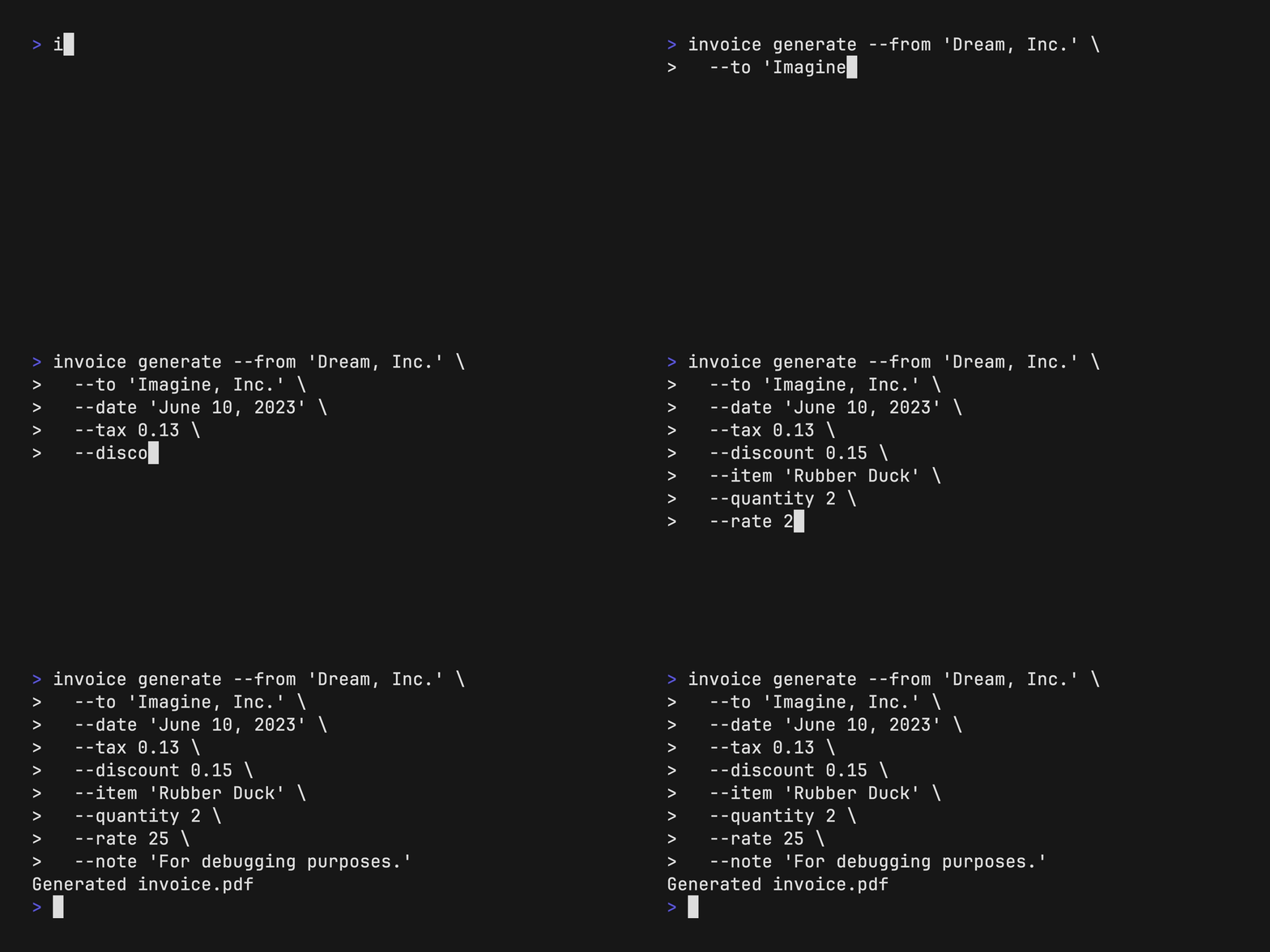
```bash
invoice generate --from "Dream, Inc." --to "Imagine, Inc." \
--item "Rubber Duck" --quantity 2 --rate 25 \
--tax 0.13 --discount 0.15 \
--note "For debugging purposes."
```
 View the generated PDF at `invoice.pdf`, you can customize the output location
with `--output`.
```bash
open invoice.pdf
```
View the generated PDF at `invoice.pdf`, you can customize the output location
with `--output`.
```bash
open invoice.pdf
```
 Save repeated information with environment variables:
```bash
export INVOICE_LOGO=/path/to/image.png
export INVOICE_FROM="Dream, Inc."
export INVOICE_TO="Imagine, Inc."
export INVOICE_TAX=0.13
export INVOICE_RATE=25
```
Generate new invoice:
```bash
invoice generate \
--item "Yellow Rubber Duck" --quantity 5 \
--item "Special Edition Plaid Rubber Duck" --quantity 1 \
--notes "For debugging purposes."
--output duck-invoice.pdf
```
## Installation
Install with Go:
```sh
go install github.com/maaslalani/invoice@main
```
Or download a binary from the [releases](https://github.com/maaslalani/invoice/releases).
## License
[MIT](https://github.com/maaslalani/invoice/blob/master/LICENSE)
## Feedback
I'd love to hear your feedback on improving `invoice`.
Feel free to reach out via:
* [Email](mailto:maas@lalani.dev)
* [Twitter](https://twitter.com/maaslalani)
* [GitHub issues](https://github.com/maaslalani/invoice/issues/new)
---
zzz
Save repeated information with environment variables:
```bash
export INVOICE_LOGO=/path/to/image.png
export INVOICE_FROM="Dream, Inc."
export INVOICE_TO="Imagine, Inc."
export INVOICE_TAX=0.13
export INVOICE_RATE=25
```
Generate new invoice:
```bash
invoice generate \
--item "Yellow Rubber Duck" --quantity 5 \
--item "Special Edition Plaid Rubber Duck" --quantity 1 \
--notes "For debugging purposes."
--output duck-invoice.pdf
```
## Installation
Install with Go:
```sh
go install github.com/maaslalani/invoice@main
```
Or download a binary from the [releases](https://github.com/maaslalani/invoice/releases).
## License
[MIT](https://github.com/maaslalani/invoice/blob/master/LICENSE)
## Feedback
I'd love to hear your feedback on improving `invoice`.
Feel free to reach out via:
* [Email](mailto:maas@lalani.dev)
* [Twitter](https://twitter.com/maaslalani)
* [GitHub issues](https://github.com/maaslalani/invoice/issues/new)
---
zzz