1---
2title: Command Palette - Zed
3description: Access any Zed action from the command palette. Fuzzy search commands, key bindings, and editor actions.
4---
5
6# Command Palette
7
8The Command Palette is the main way to access pretty much any functionality that's available in Zed. Its keybinding is the first one you should make yourself familiar with. To open it, hit: {#kb command_palette::Toggle}.
9
10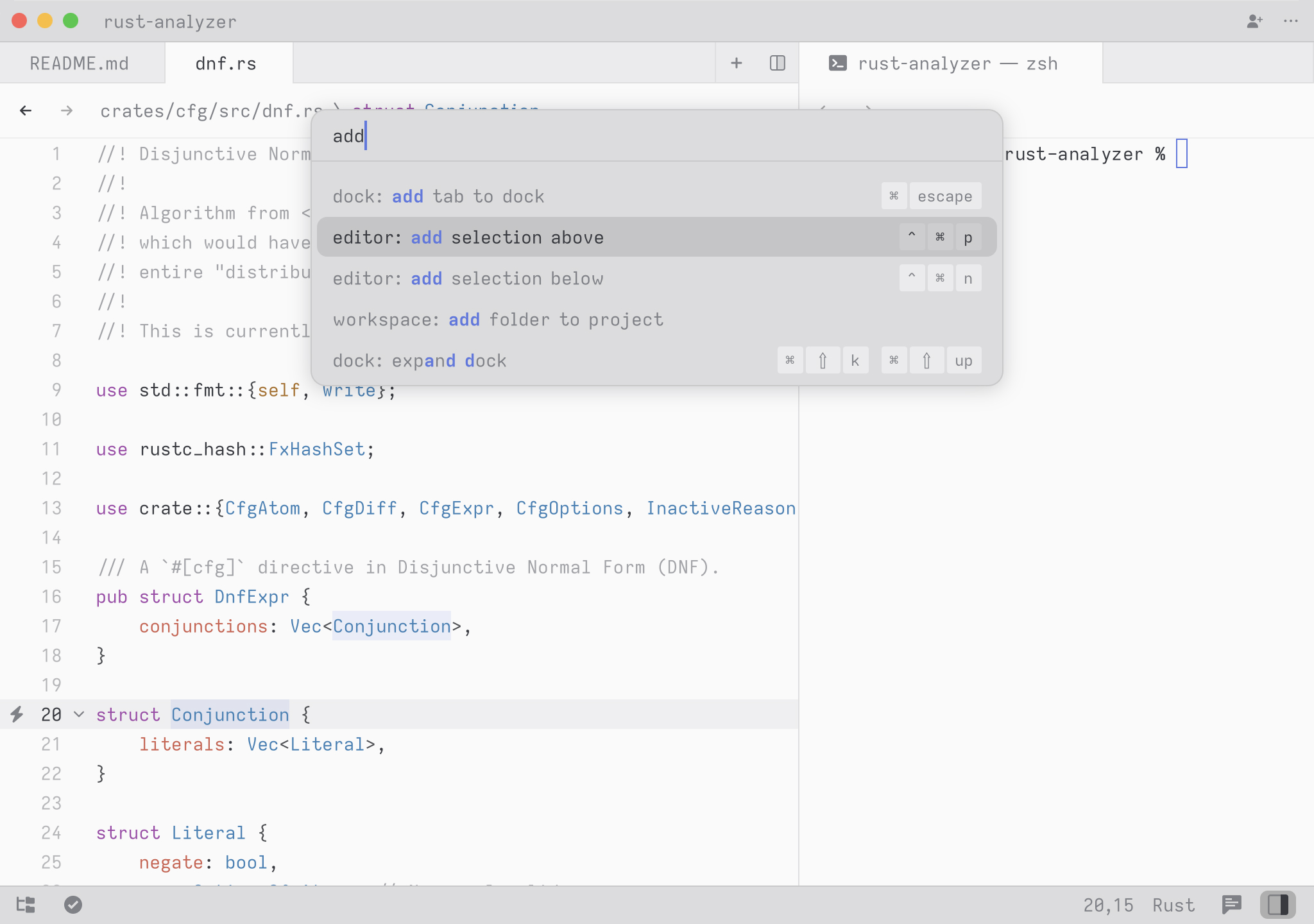
11
12Try it! Open the Command Palette and type in `new file`. You should see the list of commands being filtered down to `workspace: new file`. Hit return and you end up with a new buffer.
13
14Any time you see instructions that include commands of the form `zed: ...` or `editor: ...` and so on that means you need to execute them in the Command Palette.