1# Introducing Contexts
2
3Contexts are like conversations in most assistant-like tools. A context is a collaborative tool for sharing information between you, your project, and the assistant/model.
4
5The model can reference content from your active context in the assistant panel, but also elsewhere like the inline assistant.
6
7### Saving and Loading Contexts
8
9After you submit your first message, a name for your context is generated by the language model, and the context is automatically saved to your file system in `~/.config/zed/contexts`. You can access and load previous contexts by clicking on the history button in the top-left corner of the assistant panel.
10
11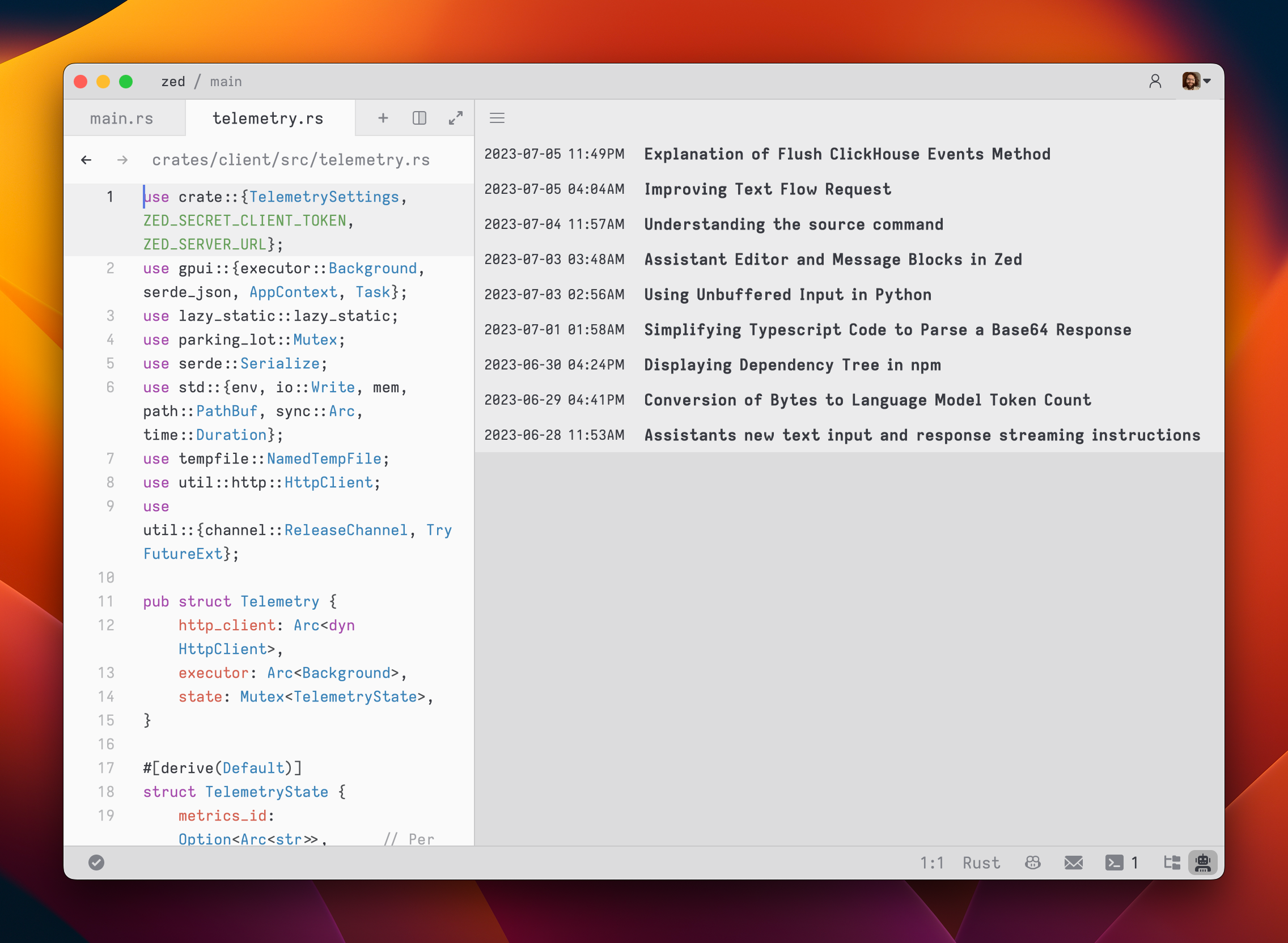
12
13### Viewing Past Contexts
14
15You can view all previous contexts by opening the `History` tab in the assistant panel.
16
17Open the `History` using the menu in the top right of the assistant panel and choosing `History`.